ZIP-based formats explained: DOCX, APK, JAR, ODT, EPUB, PKPASS
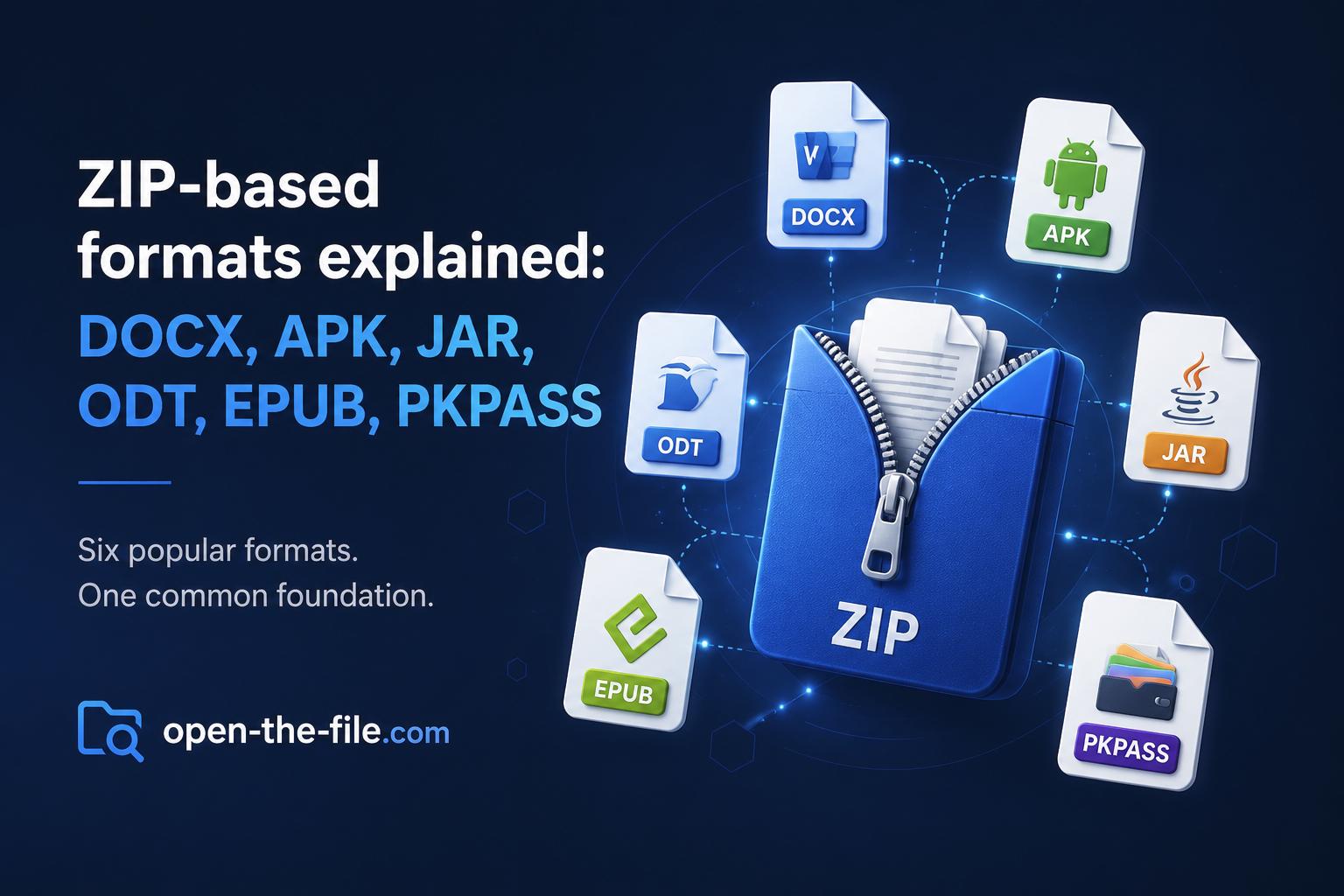
Many familiar file types are not single-purpose binary formats. They are ZIP-based containers: a ZIP archive with a required internal folder layout, metadata files, manifests, signatures, XML documents, compiled code, media assets, or other resources.
That matters when a file refuses to open. A .docx, .apk, .jar, .odt, .epub, or .pkpass may look like one file in Finder or Explorer, but internally it is a package. If the ZIP structure is damaged, a required internal file is missing, or a signature no longer matches, the outer extension can be correct while the application still rejects the file.
TL;DR
- ZIP-based formats usually begin with a ZIP-style
PKfile signature. - The extension tells you the intended workflow; the ZIP container only tells you how the bytes are packaged.
- You can often inspect these files with a ZIP tool, but editing and re-saving them can break relationships, manifests, signatures, or required metadata.
- Some ZIP-based files are documents, such as
.docx,.odt, and.epub. Others can contain executable code, such as.apkand.jar. - If the extension and header disagree, check the header before trusting the file name.
What ZIP-based really means
A ZIP-based file uses the ZIP archive format as its outer container. Inside that container, the format defines a specific structure that the target application expects.
A .docx file is not just a ZIP backup. It is an Office Open XML package with XML parts, relationships, document metadata, styles, media, and content types. A .pkpass file is not just a bundle of images and JSON; it is a signed Apple Wallet pass package. An .apk is not a document at all; it is an Android application package.
ZIP container + required internal structure + application-specific rules = actual file format
Common ZIP-based formats
| Extension | What it is | Typical internal clues | Main risk |
|---|---|---|---|
.docx | Microsoft Word Open XML document | [Content_Types].xml, _rels/, word/document.xml | Broken relationships, embedded content, misleading extension |
.apk | Android application package | AndroidManifest.xml, classes.dex, res/ | Executable app code and permissions |
.jar | Java archive | META-INF/MANIFEST.MF, .class files | Executable Java code |
.odt | OpenDocument text document | mimetype, content.xml, META-INF/manifest.xml | Macros, embedded objects, broken package structure |
.epub | EPUB eBook | mimetype, META-INF/container.xml, XHTML/CSS/assets | Broken container metadata, active content in some readers |
.pkpass | Apple Wallet pass | pass.json, manifest.json, signature, images | Signature failure after editing |
Why the file extension is not enough
The extension tells you what the file is supposed to be. It does not prove that the contents match. A file named invoice.docx might be a valid Word document, a damaged ZIP container, a generic ZIP archive with the wrong extension, a different format renamed to .docx, or a suspicious file trying to look harmless.
ZIP-based formats commonly start with ZIP signatures such as PK. Open-The-File.com includes a header analyzer for this exact situation: when the extension and the actual file bytes may not tell the same story.
DOCX: Word document as a package
A .docx file is a Microsoft Word document based on Office Open XML. Internally, it is a ZIP package with XML files and related resources such as [Content_Types].xml, _rels/.rels, word/document.xml, styles, media, and relationships.
If a DOCX opens as a ZIP but Word refuses it, the problem is usually not ZIP support. It is more likely that a required XML part is missing, a relationship points to a missing file, or the package was modified incorrectly.
Helpful pages: open DOCX files, open DOC files, and open DOCM files.
APK: Android app package
An .apk file is an Android application package. It is ZIP-based, but it is not a normal archive you simply extract and use. Android expects compiled code, resources, metadata, permissions, and signing information. Typical clues include AndroidManifest.xml, classes.dex, res/, and resources.arsc.
Security note: APK files can install executable app code. Do not sideload APKs from untrusted sources just because they look like archives.
Helpful pages: open APK files, open AAB files, and open XAPK files.
JAR: Java archive
A .jar file is a Java Archive. It often contains META-INF/MANIFEST.MF, Java .class files, package folders, and resources. You can inspect it with ZIP tools or the Java jar command, but a runnable JAR may execute Java code.
Helpful pages: open JAR files and open WAR files.
ODT: OpenDocument text package
An .odt file is an OpenDocument Text document used by office suites such as LibreOffice. It usually contains a mimetype file, content.xml, styles.xml, meta.xml, and META-INF/manifest.xml.
If an ODT is damaged, a ZIP tool may still show files inside, but the office suite may reject it if required metadata or XML is missing.
Helpful pages: open ODT files, open ODS files, and open ODP files.
EPUB: eBook as a ZIP container
An .epub file is an eBook package. Internally, it uses a strict ZIP-based structure with mimetype, META-INF/container.xml, XHTML or HTML content, CSS, images, fonts, and navigation metadata.
If an EPUB opens as a ZIP but not in an eBook reader, check whether META-INF/container.xml points to the actual book package.
Helpful pages: open EPUB files, open MOBI files, and open AZW3 files.
PKPASS: Apple Wallet pass package
A .pkpass file is an Apple Wallet pass. It is ZIP-based, but the important part is not only the file structure. It is the signature. Typical contents include pass.json, manifest.json, signature, images, and localized folders.
If you unzip a PKPASS, edit an image, and zip it again, it will usually stop working because the manifest and signature no longer match the package contents.
Helpful page: open PKPASS files.
When renaming to .zip helps—and when it does not
Renaming a copy of a file to .zip can help you inspect the contents if the file is truly ZIP-based. But renaming is not conversion. It does not repair a corrupted central directory, create missing XML files, fix invalid signatures, turn an APK into a safe archive, or preserve application-specific rules after careless editing.
- Make a copy of the file.
- Check the header or inspect with a trusted archive tool.
- Extract only for analysis, not as the primary editing workflow.
- Use the official app or format-specific tools to modify the file.
- Re-export from the original application when possible.
Troubleshooting ZIP-based files
The app says the file is corrupt
Possible causes include an incomplete download, a damaged ZIP central directory, missing internal files, malformed XML, or a file that was edited and repackaged incorrectly.
A ZIP tool opens it, but the real app does not
That usually means the ZIP container is readable, but the application-specific structure is wrong. A generic ZIP tool does not validate Word relationships, EPUB package metadata, Android signatures, or Wallet pass signatures.
The file has no extension
Check the header first. If it starts with ZIP-style bytes, inspect the internal names. word/ suggests the DOCX family. xl/ suggests XLSX. ppt/ suggests PPTX. AndroidManifest.xml and classes.dex suggest APK. META-INF/container.xml suggests EPUB. pass.json plus manifest.json and signature suggests PKPASS.
Security checklist
- Confirm the sender and context.
- Check whether the extension matches the file header.
- Avoid executing APK or JAR files from unknown sources.
- Do not enable macros or active content unless you trust the file.
- Use updated software to parse complex documents and archives.
- Prefer official viewers, app stores, or vendor tools for installation packages.
- Keep a copy before extracting, editing, or repackaging.
Related tools and guides
- Header analyzer
- File extension index
- Open ZIP files
- Open DOCX files
- Open APK files
- Open JAR files
- Open ODT files
- Open EPUB files
- Open PKPASS files
Bottom line
ZIP-based formats are convenient because they package many pieces into one file. They are also easy to misunderstand. A .docx, .apk, .jar, .odt, .epub, or .pkpass may all share ZIP as a container, but they are not interchangeable. The extension tells you the workflow, the header tells you the container, and the internal structure tells you what the file really is.
When in doubt, inspect first, execute last.