File extension lookup sites beyond WhatExt.com

When a download ends in an unfamiliar suffix, you are not looking for “faster messaging,” “integrations,” or “privacy-first chat.” You want a straight answer: what kind of file this is, which program normally creates it, and whether double-clicking it is a bad idea. Reference sites such as WhatExt.com exist for exactly that narrow job: extension → short description → possible opener.
Many “alternatives” articles read like they were written for a keyword spreadsheet: the same headings, the same superlatives, and an introduction that could describe any SaaS category. That pattern is risky for readers and for search quality, because it adds little beyond what you would get from opening two tabs and skimming the home pages. The goal here is different: clarify what these resources are good for, where they stop, and how to cross-check when the stakes are high (archives, scripts, or unknown binaries).
What these sites can—and cannot—do for you
Useful for: a first-pass label (“this is usually a SQLite database,” “often a Blender scene”), pointers to typical viewer or editor categories, and sometimes MIME-type hints.
Not a substitute for: vendor documentation, reverse-engineering notes, malware triage, or a forensic tool chain. If the file might be executable or came from an untrusted sender, treat any extension database as orientation only—verify with your OS, a current scanner, and official sources before running anything.
WhatExt.com
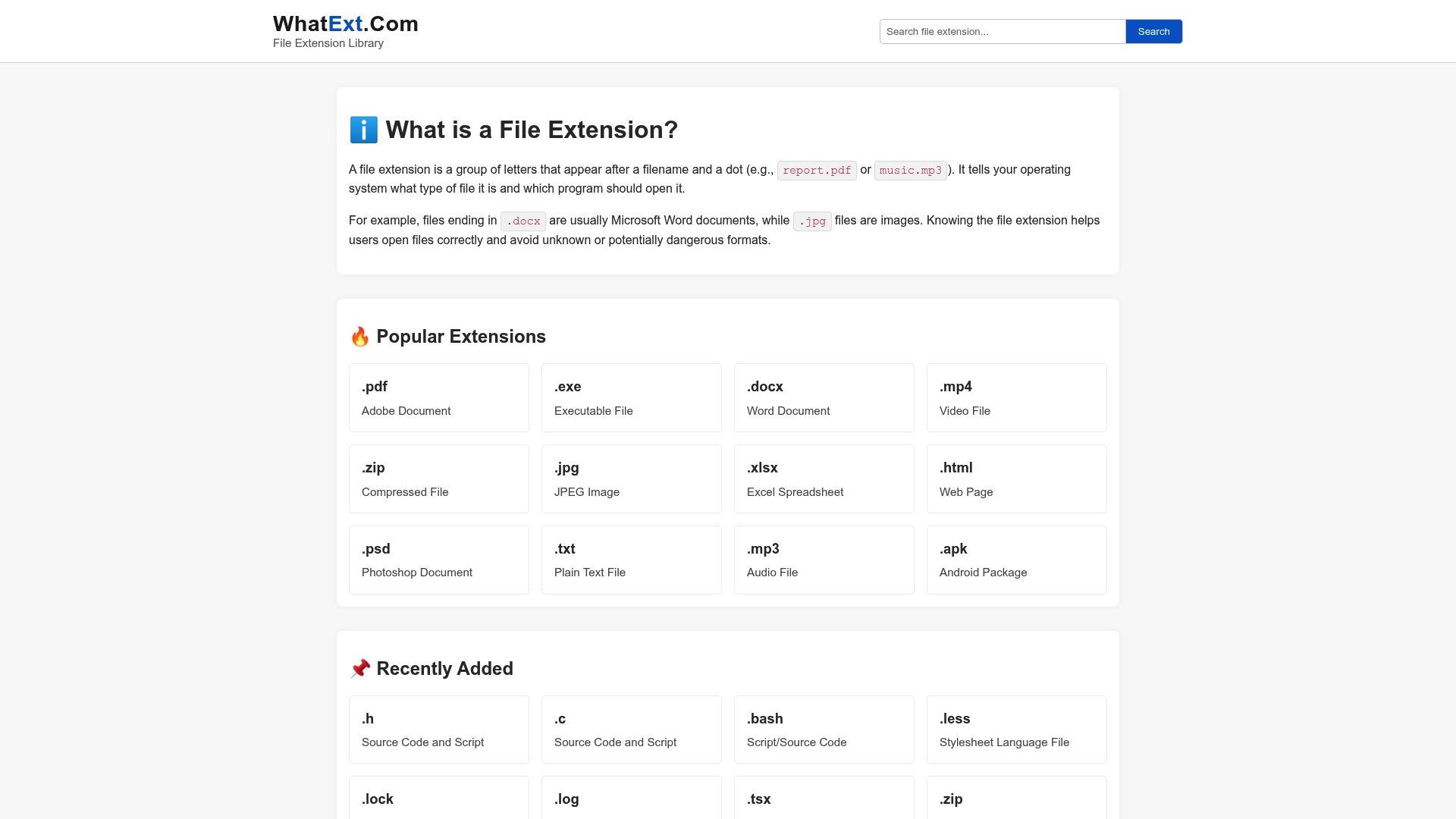
WhatExt.com is a long-running extension catalogue: browse by letter or category, jump to an entry, and read a compact summary of what the suffix is commonly associated with. For a quick “what did my colleague mean by .ods?” check, that is often enough.
The trade-off is depth. Entries are built for breadth, not for walking you through a broken Office install, a corrupted container, or a platform-specific “Open with…” maze. Treat it as a signpost, then move to a guide, the application vendor, or a format spec when you need more than a one-paragraph blurb.
Website: https://whatext.com/
Open-The-File.com
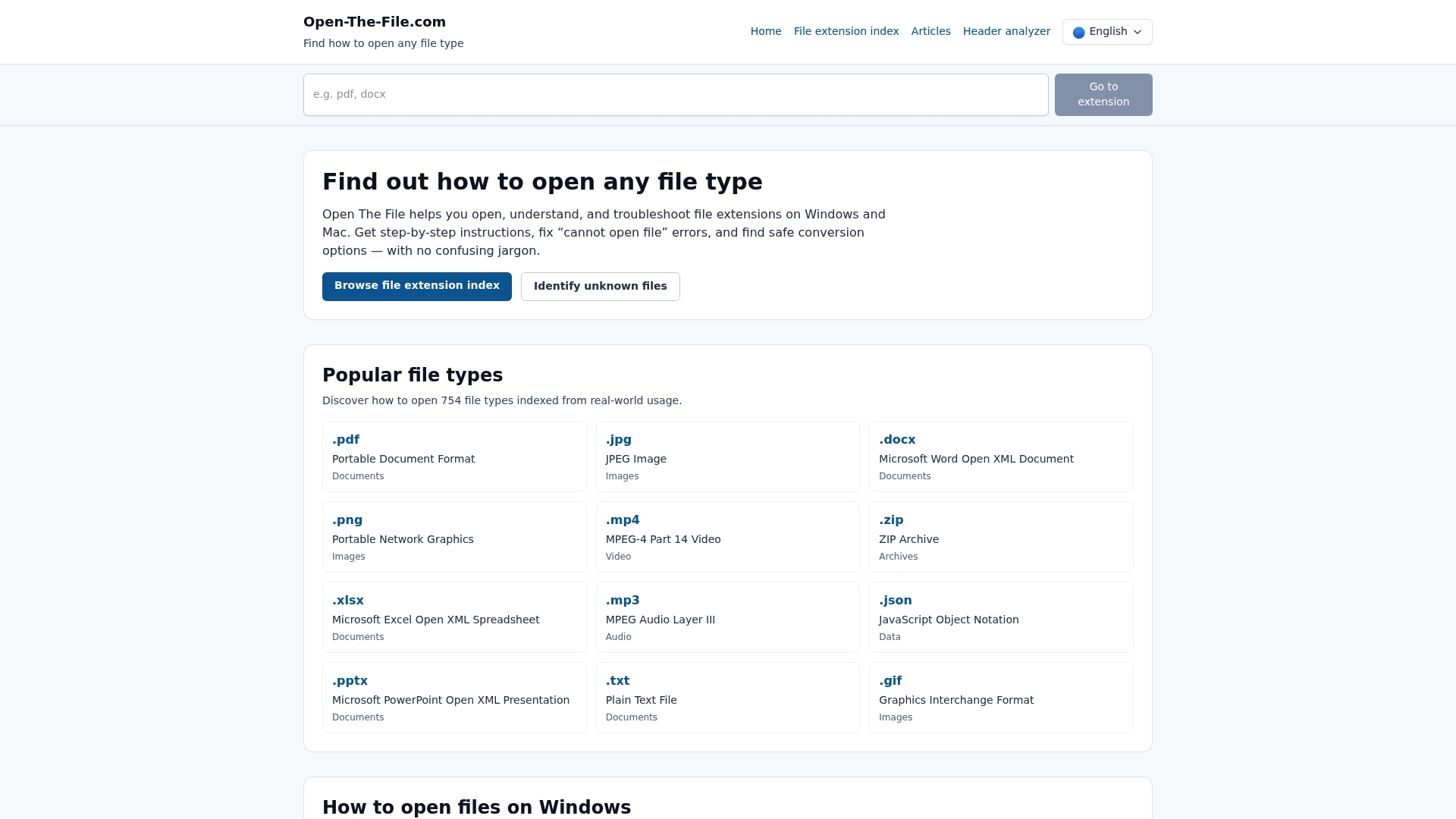
Open-The-File.com (this project) sits closer to the how-to end of the spectrum: per-extension pages with OS-specific steps, security context where it matters, conversion pointers where they exist, and a header analyzer when the extension line is wrong or missing. It is not the largest raw catalogue on the web; the emphasis is on actionable pages you can follow when something refuses to open.
If you already know the extension and only need a one-line definition, a large directory may be faster. If you need “what do I click on Windows 11?” or “is this .com file actually dangerous?”, a structured guide tends to be more useful than another paragraph of generic adjectives.
FileInfo.com
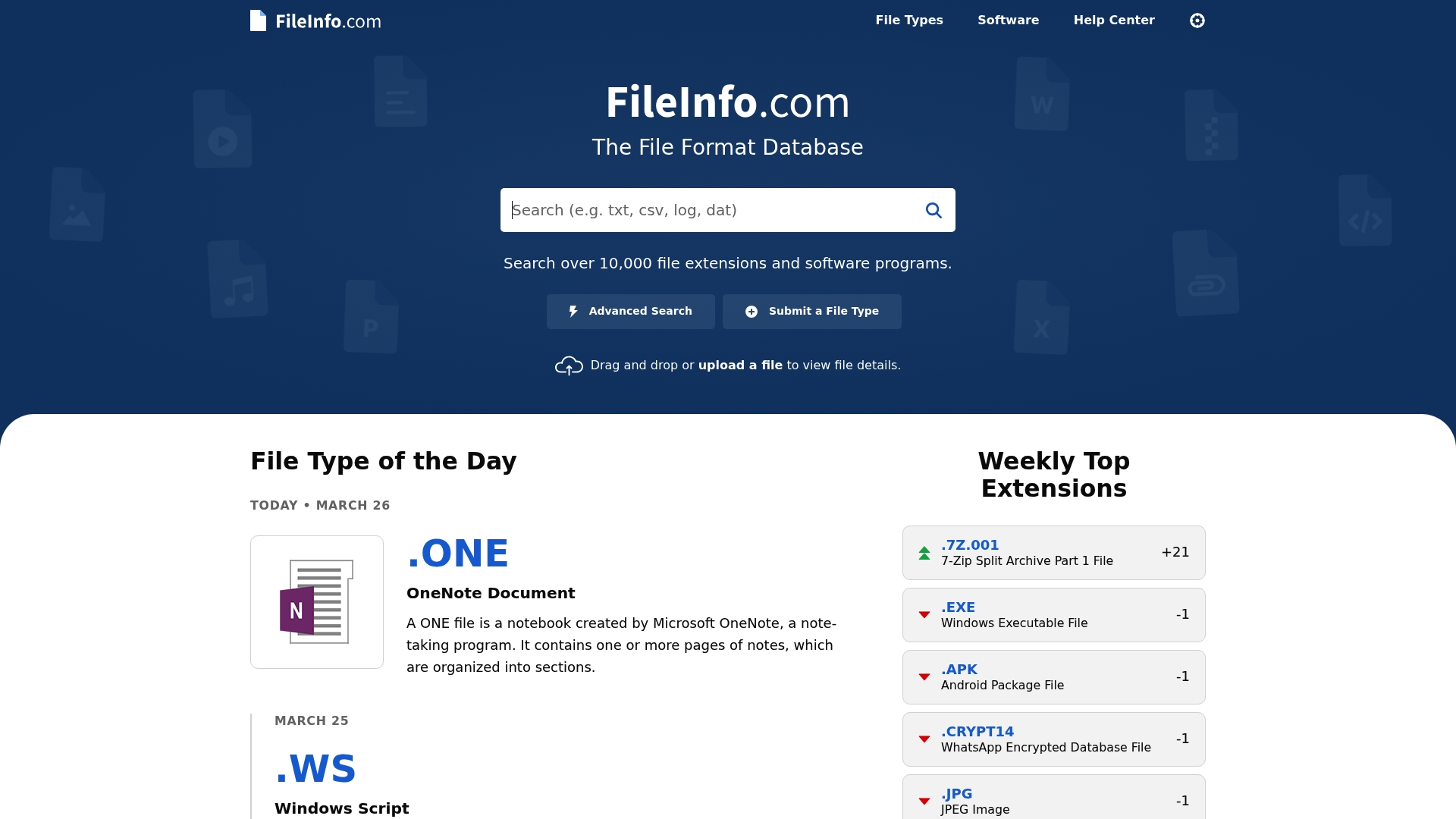
FileInfo.com pairs a big searchable index with occasional extras such as metadata viewers and editorial “file type of the day” style features. It is a credible first stop when you want a second opinion after WhatExt or when you care about related formats and naming collisions.
Because recommendations can age as software vendors rename bundles or retire downloads, use FileInfo the same way you would Wikipedia: helpful orientation, then confirm installers from the publisher’s site.
Open With (openwith.org)
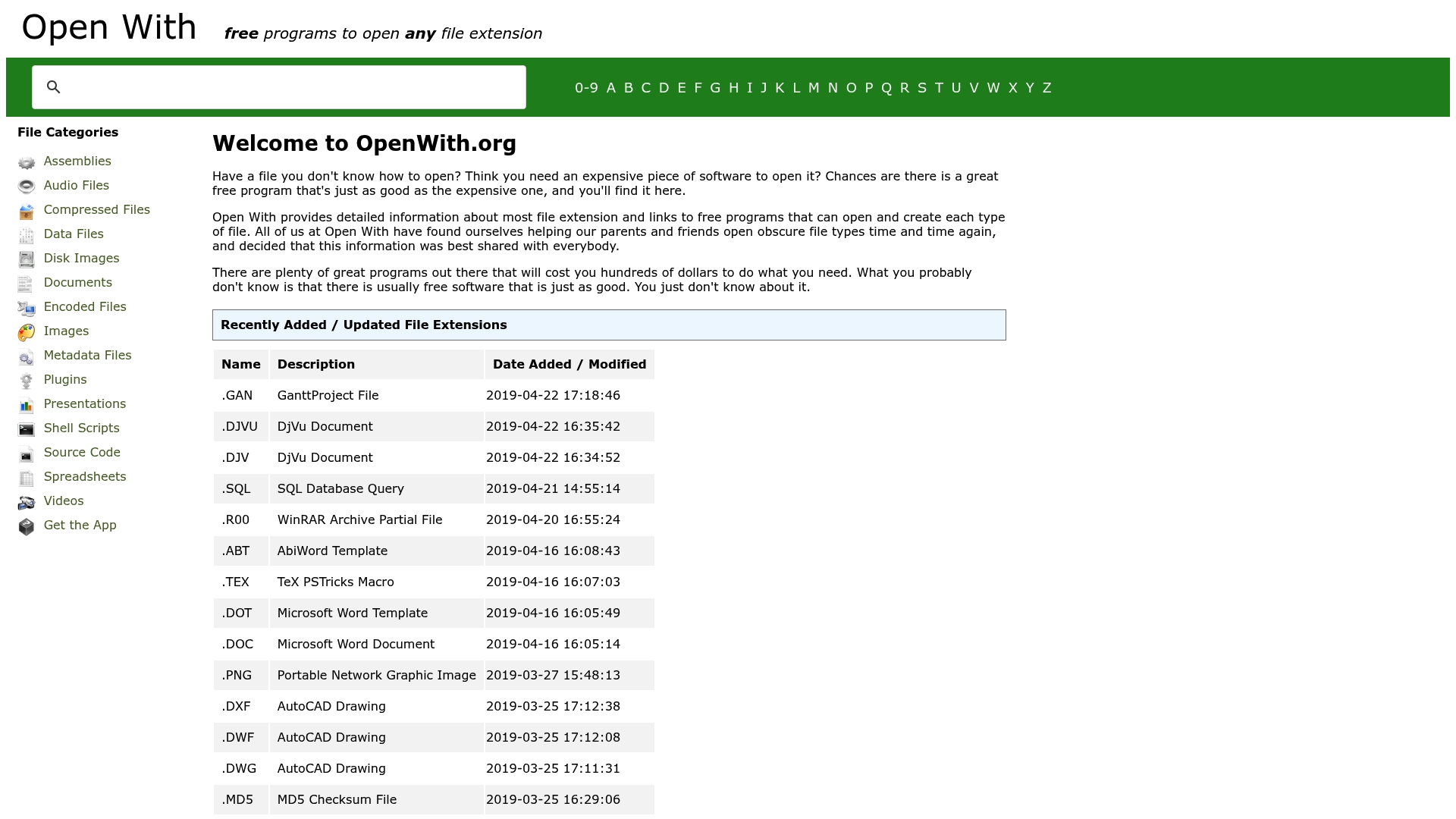
Open With leans into a simple promise: for a given extension, which free or common programs might open it. That is handy when paid suites are not an option, but remember the listings depend on third-party programs staying maintained—always grab installers from a source you trust.
File-Extensions.org
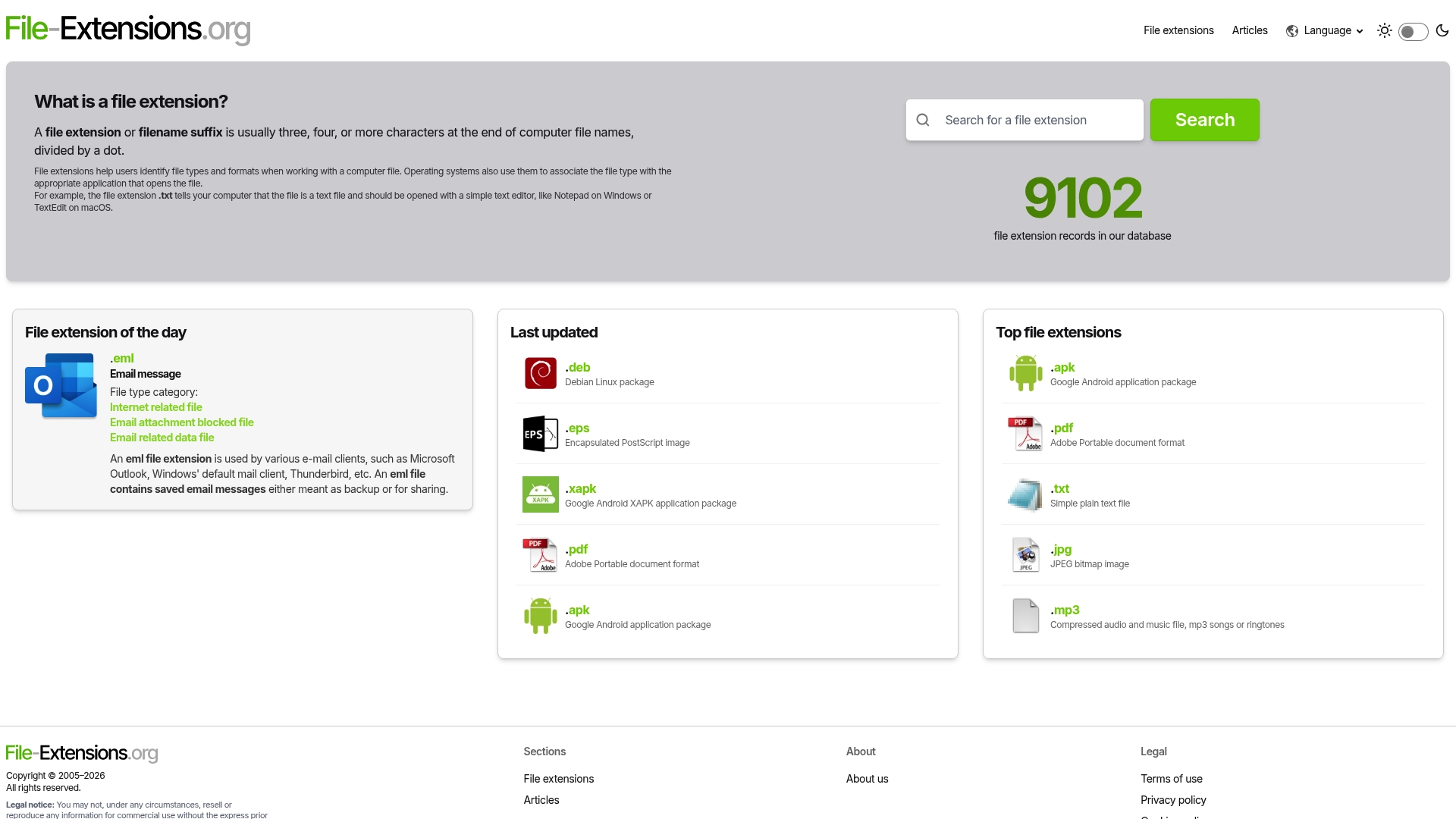
File-Extensions.org offers another large, text-forward database—useful when you want dense cross-links between extensions and related articles. Navigation can feel older than consumer SaaS dashboards; that is usually fine for lookup work.
How to use extension sites without fooling yourself
- Match the story to the sender. A
.pdffrom your accountant is a different decision than a.pdf.exefrom a cold email. - Prefer primary sources for specs. IANA MIME registrations, RFCs, and vendor docs beat marketing blurbs when you are debugging parsers or migrations.
- Notice copy-paste tone. If five “competitor” pages all read like the same template with different logos, you are not getting five independent reviews—you are seeing SEO symmetry. Close the tabs that do not add a concrete fact you can verify.
Short comparison
| Site | Best for | Typical gap | Cost |
|---|---|---|---|
| WhatExt.com | Fast catalogue skim | Thin operational detail | Free |
| Open-The-File.com | Step-by-step open/troubleshoot flows | Not the widest raw row count | Free |
| FileInfo.com | Second opinion + editorial context | Recommendations need freshness checks | Free |
| Open With | “Free app might open this” ideas | Depends on external software health | Free |
| File-Extensions.org | Dense cross-linked reference browsing | UI can feel dated; not a toolbox | Free |
Frequently asked questions
Is WhatExt.com “safe”?
The site itself is a reference. Safety is about the file you downloaded, not the encyclopaedia page you read. Never execute unknown binaries because a blurb sounded reassuring.
Do I still need a specialist tool if the extension page loads?
Often, yes. Extension guides tell you what the letters usually mean; hex editors, media info tools, antivirus sandboxes, or vendor repair utilities do the actual heavy lifting when data is corrupt or malicious.
Why do so many “alternatives” articles read the same?
Because they are assembled from the same outline: stock intro, duplicated feature bullets, and a comparison table that restates marketing text. This article intentionally avoids that shape—if nothing here helped beyond the first paragraph, we missed the brief.
Where should I start on Open-The-File.com?
Use the file extension index to jump straight to a letter or category, or search for the suffix you see in Explorer or Finder.
Further reading on Open-The-File.com
- File extension index — browse by category
- Header analyzer — when the extension lies
- Top 7 filemood.com alternatives (file-reference context)
Extension catalogues are a small corner of the web. Used honestly—as a map, not a verdict—they save time. When the map disagrees with reality, trust reality: inspect the file, update your tools, and follow documentation from the source that actually ships the format.