FileMood alternatives compared: search, hosting, and file guides

FileMood is built around one idea: crawl the public web for downloadable files and expose that corpus through search and browse surfaces. People who look for “alternatives” often mix three different needs—finding a file someone else published, hosting something they already have, or understanding an odd extension without running unknown code. Those are different products, and stacking them into a single “Top N” scoreboard usually produces generic copy and brittle comparisons.
This guide separates the jobs and only keeps entries where we could still verify a real product surface in 2026—navigation, search or guides, and terms you can actually read. Domains that now fail, park, or show nothing but ads are treated as historical mentions, not competitors.
Table of Contents
- Open-The-File.com
- FileMood
- Names you may see in older lists
- FindFiles.net
- Quick comparison
- After FileMood: when search is the wrong tool
- Frequently asked questions
- Recommended reading
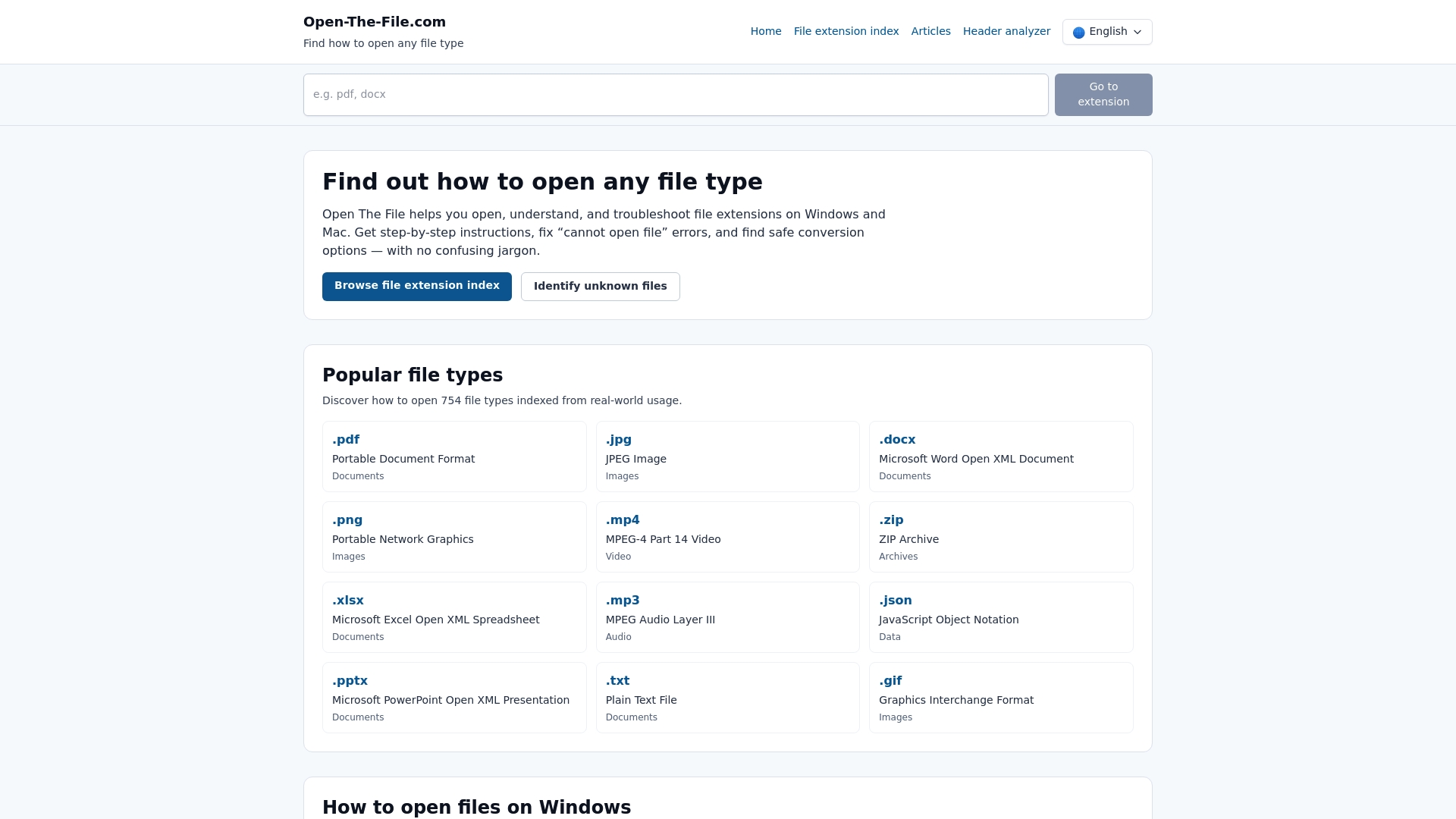
Open-The-File.com
At a glance
Open-The-File.com does a different job than FileMood: you already have a path ending in .something (or an error from the OS) and need a straight answer about what the format is, whether double-clicking it is a bad idea, and which programs normally own it on Windows or Mac.
What you get
- Extension guides organized by category, with practical open-and-troubleshoot steps rather than encyclopedia-only trivia
- Framing for common failure modes (corrupt archives, wrong default app, legacy codecs)
- Pointers to safe conversion paths when “install another viewer” is not enough
Limitations
- It is reference material, not a place to anonymously upload arbitrary binaries for strangers to download
- Very obscure proprietary formats may still need the vendor’s own documentation
Who should bookmark it
Help desks, students, freelancers, and anyone whose inbox regularly contains attachments with opaque extensions.
Pricing
Free.
Website: open-the-file.com
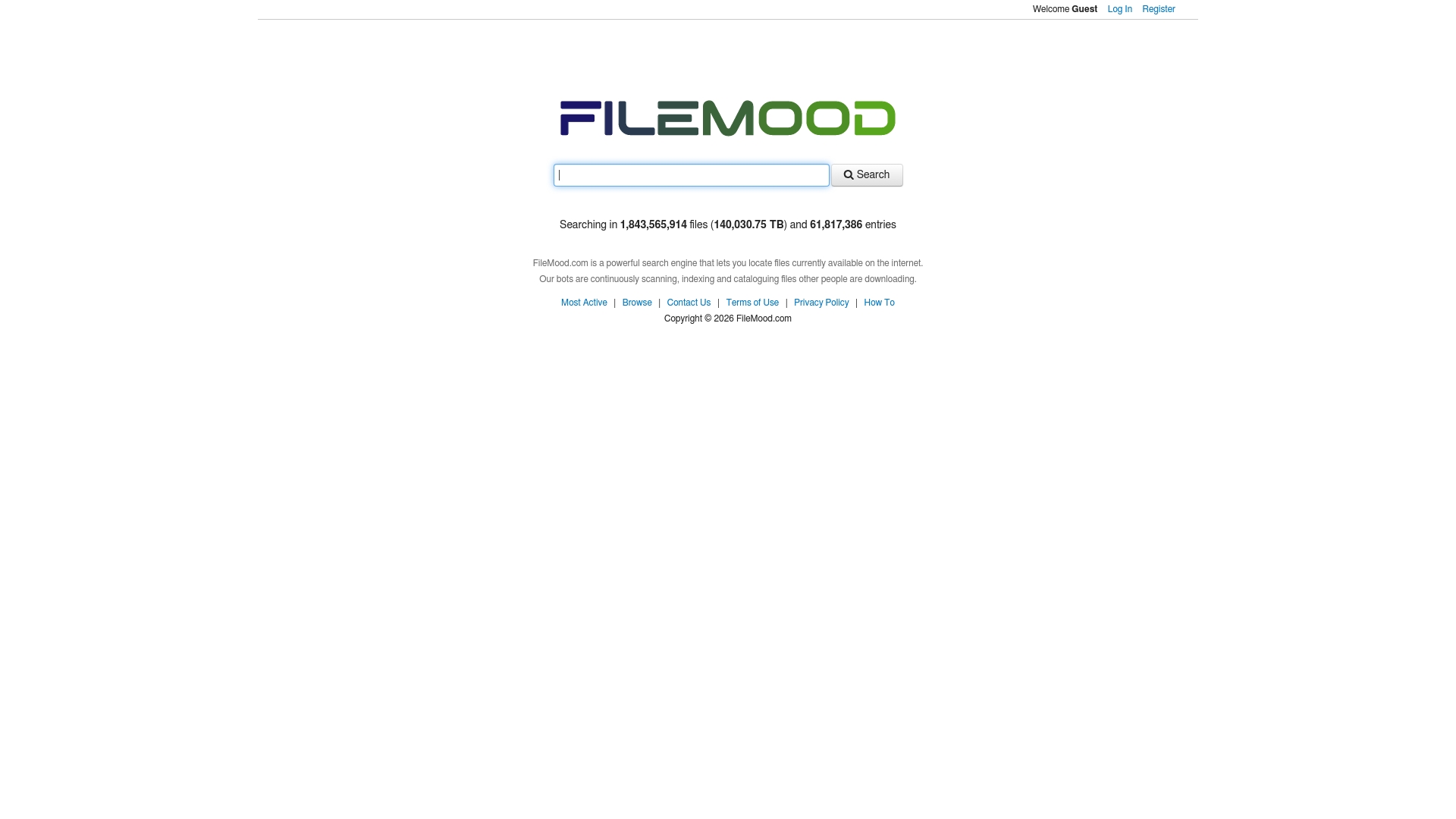
FileMood
At a glance
FileMood is a file discovery product: a large index of publicly reachable files plus search and browse tools. Its pitch is breadth and freshness—useful when you are trying to locate a specific asset that general web search buries under shopping pages.
What you get
- A crawler-backed catalog (FileMood publicly cites a very large index; treat headline numbers as marketing until you validate them on the queries you care about)
- Multiple entry points—direct search plus browsing-style flows when you are exploring rather than spelling a precise name
Caveats
- Any index of the open web will eventually surface material that is sensitive, mis-licensed, or outright malware; your judgment matters more than the logo in the address bar
- Result quality still depends on hosts staying up and on how precisely you describe what you want
Who it is for
Researchers, hobbyists, and power users who deliberately look for publicly distributed files—not people trying to “find a free copy” of paid software they do not own.
Pricing
Presented as free on the public site when we reviewed it; confirm on filemood.com before you bake it into a workflow.
Website: filemood.com
Names you may see in older lists
Older “alternatives to FileMood” posts often mixed three kinds of names: real search indexes, dead domains, and thin landing pages that exist mostly for ads or lead capture.
FileSearcher.com and RapidFileSearch.com still turn up in legacy roundups. In practice you may see timeouts, access walls, or a site that no longer matches what the screenshot showed. We do not treat that as a “missing review”—we treat it as churn.
general-files.com was once listed as a simple file host. On a 2026 refresh we could not reach a credible, product-shaped experience at that domain (behavior varies by network and DNS; if you see nothing useful, assume the service is gone or has moved and do not trust old download links).
filesloop.com still resolves, but the current surface reads as generic advertising—keyword blocks and third-party offers rather than a coherent upload, billing, or security story. That is not something we can recommend as a FileMood “alternative” in good faith, so it is out of the comparison table.
What we did instead: we removed long pros/cons templates for properties we cannot verify. If a legacy link feels wrong—aggressive pop-ups, unrelated software pitches, or promises of pirated content—close it.
FindFiles.net
At a glance
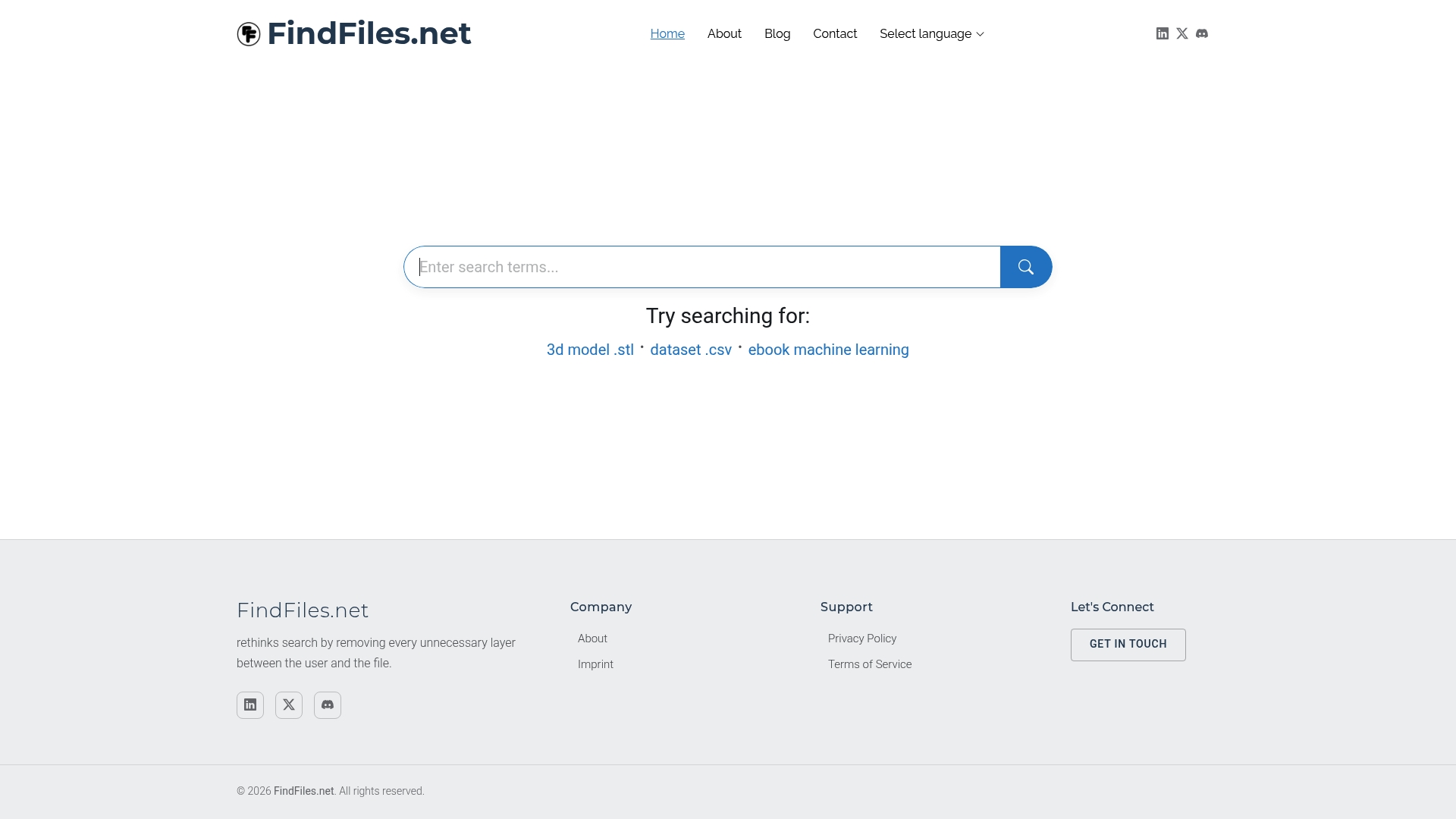
FindFiles.net is another search-first tool: a lightweight interface meant to move you from query to candidate files without the noise of a general-purpose search results page.
What you get
- Category shortcuts when you already know the shape of the asset (for example models or documents)
- Multilingual search, which matters when filenames are not in English
Caveats
Aggregators link outward; they do not vouch for each host’s hygiene, copyright posture, or HTTPS configuration. Treat every hit as untrusted until you have a reason not to.
Who it is for
Designers, engineers, and students who know the file type they need and mainly want fewer clicks between intent and download.
Pricing
Free to search from the public pages we tested.
Website: findfiles.net
Quick comparison
| Tool | Primary job | Honest limitation |
|---|---|---|
| Open-The-File.com | Explain extensions; safe open/fix paths on Windows and Mac | Not a global “find any file” index |
| FileMood | Discovery across a large crawled catalog | You must judge each hit’s legality and safety yourself |
| FindFiles.net | Fast, category-aware search UI | Same host-vetting burden as any search aggregator |
After FileMood: when search is the wrong tool
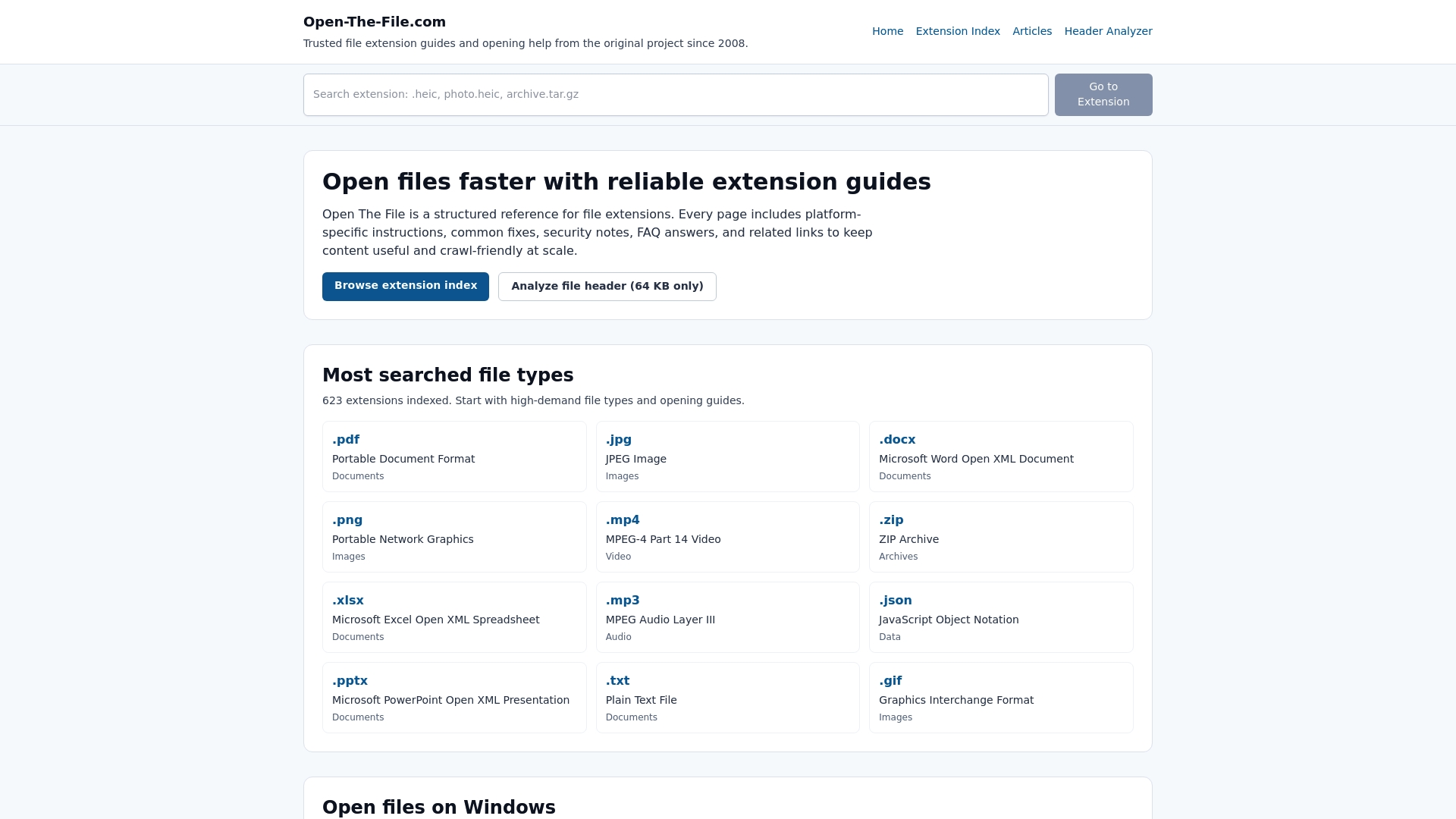
If your problem is “Windows refuses to open this extension,” another file search engine will not fix it. You need context: what program normally owns the format, whether the file is structurally damaged, and whether the attachment is even plausible for the sender. Open-The-File.com is built for that lane. If you want broader browsing after you understand the basics, the category indexes are a calmer next step than random SERP pages—for example Video file extensions and Subtitle file extensions.
For malware-prone downloads, the bottleneck is almost never “which search portal did I use?” It is whether you trust the publisher and the channel. Keep FileMood-style tools in the mental bucket labeled discovery, not security approval.
Frequently asked questions
Does Open-The-File.com replace FileMood?
No. Open-The-File.com answers “what is this extension and what should I do on my computer?” FileMood answers “is there a copy of this file somewhere on the public web?” Different questions, different risks.
I only want free tools. What is a sane stack?
Pair a reference site you trust for formats with one search index you have actually clicked through. Rotating through five identical aggregators rarely improves outcomes; it mostly increases exposure to dodgy hosts.
How should I think about privacy with file search?
Assume indices include material that was never meant to be public. A hit is not a license to reuse copyrighted work, and personal data in results usually means someone else’s configuration mistake—not an invitation.
I need to send large files—what should I use instead of random “hosting” brands from SEO lists?
Prefer mainstream cloud storage your recipients already use—Google Drive, Dropbox, Microsoft OneDrive, Apple iCloud, or whatever your employer mandates. You get predictable uptime, clear retention and abuse policies, and less guesswork than a one-off domain name from an old comparison article.
A site from an old blog post now errors out. Is it still an “alternative”?
Churn is normal. Prefer services you can load and reason about today instead of keeping zombie rows in a comparison table.