File format differences explained: IT pros guide 2026

You double-click a file expecting it to open, but instead you get an error or the wrong app launches. That usually means the filename, the internal structure, or the operating system association does not match what the file really is. This guide explains the practical differences between file formats, how to verify them, and why that matters for troubleshooting, compatibility, and security.
Table of Contents
- File extensions, magic numbers, and the real identity of files
- Polyglot files: when one file hides multiple identities
- Common practical file format differences in documents and spreadsheets
- Understanding executable file formats: anatomy of PE files
- Frequently asked questions
Key takeaways
| Point | Details |
|---|---|
| Extensions are hints | A file extension helps the OS choose an app, but it does not prove what the file really contains. |
| Magic numbers help identify formats | Many binary formats start with recognizable signatures such as %PDF, PK, GIF89a, or the PNG header bytes. |
| Polyglot files complicate validation | Some files can satisfy more than one parser, which is why extension checks alone are not enough for security. |
| Format choice affects collaboration | DOCX, ODT, RTF, PDF, and CSV each make different tradeoffs in compatibility, editability, and reliability. |
| PE files have a layered structure | Windows executables contain a DOS header, PE signature, COFF header, optional header, and section table. |
File extensions, magic numbers, and the real identity of files
File extensions are useful labels. They tell Windows, macOS, Linux, and browsers which application is likely to handle a file. But extensions are not the format itself. Renaming report.zip to report.docx does not convert it into a Word document. It only changes the label the system sees first.
For many binary formats, the real clue is the file signature, often called a magic number. These are characteristic bytes near the beginning of a file that help tools and applications identify the content.
Common examples include:
- PNG:
89 50 4E 47 0D 0A 1A 0A - JPEG:
FF D8 FF - GIF:
GIF87aorGIF89a - PDF:
%PDF - ZIP and ZIP-based formats such as DOCX, XLSX, and ODT:
PK
That matters because many modern office files are really ZIP containers with structured XML inside. A .docx, .xlsx, .pptx, .odt, and .ods file can all begin with PK, so a signature check alone may tell you that the file is ZIP-based without revealing the exact document subtype. In those cases, you also need container metadata, internal directory names, or a capable parser.
Plain-text formats are different. A .txt, .csv, .json, or .xml file usually does not have one universal magic number. Instead, you identify it through encoding, structure, and readable content. That is why tools sometimes describe a file as “ASCII text” or “UTF-8 text” instead of naming a strict file format.
If you need to verify a suspicious or broken file, start with the extension, then inspect the header bytes, and finally check whether the content structure matches the expected format. For more practical steps, see our guide to file extension identification on Windows and macOS.
Pro Tip: If a DOCX file will not open, try inspecting it as a ZIP container first. If the archive opens and contains folders like word/ and _rels/, the package may be partially recoverable even if Word refuses to load it.
Polyglot files: when one file hides multiple identities
Some files are intentionally built so that more than one parser accepts them. These are called polyglot files. A classic example is a file that looks like a valid image to one tool but is also interpreted as script or archive content by another.

Polyglots are possible because parsers do not all read the same bytes in the same order. One format may care only about the first few bytes and ignore trailing data. Another may search for markers later in the file. When those assumptions overlap, a single blob of bytes can satisfy both.
From a security perspective, that means:
- Extension checks are not enough
- Header checks are useful but not sufficient
- Container inspection and full parsing matter
- Sandboxing and content validation are safer than trust-by-extension
Polyglot files are especially relevant in upload validation, malware filtering, and secure document handling. If your system only checks whether a file “starts like a JPEG,” it may still accept dangerous payloads hidden elsewhere. Robust validation should check the full structure, not just the first few bytes.
For everyday troubleshooting, the practical lesson is simple: if a file behaves strangely, do not assume the extension tells the whole story. Verify the real format before you rename it, upload it, or open it in a privileged application.
Common practical file format differences in documents and spreadsheets
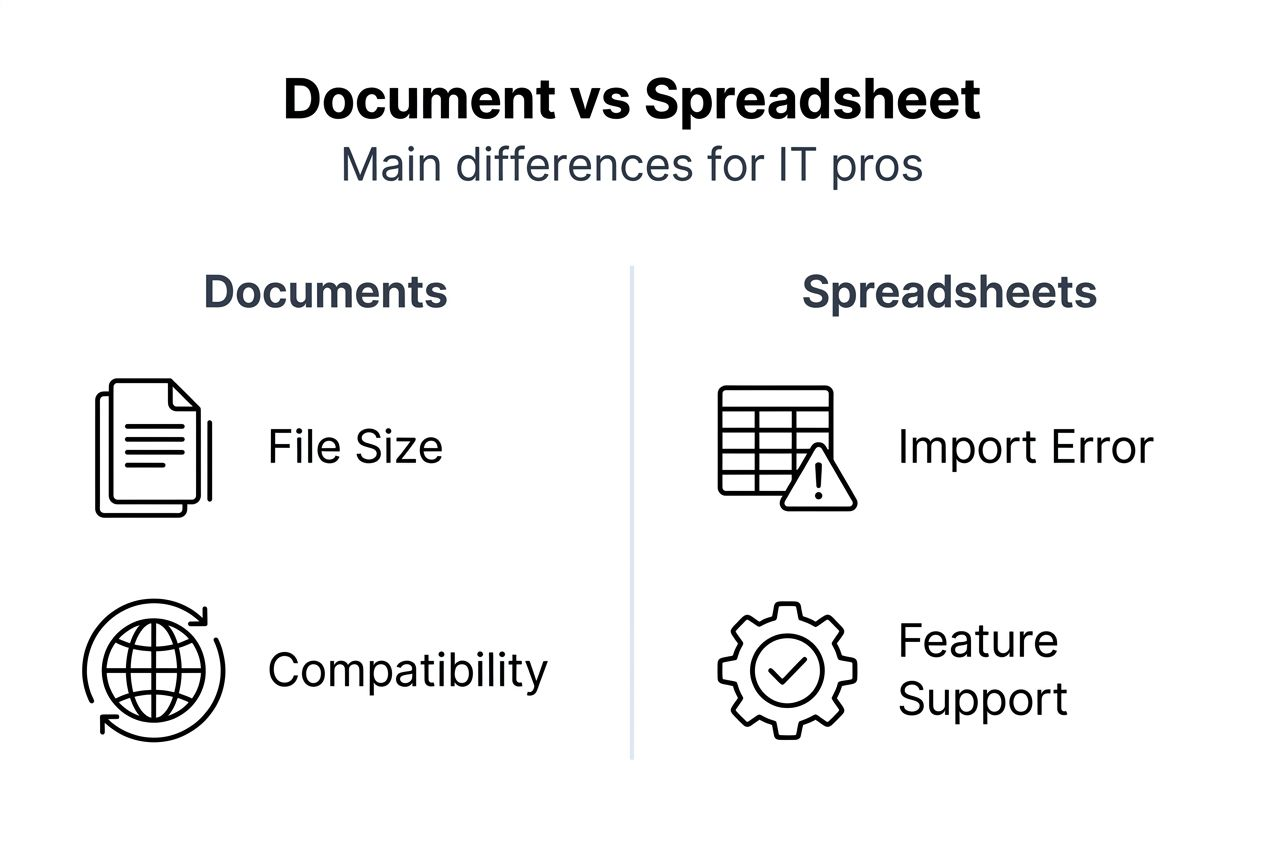
Document and spreadsheet formats differ in ways that affect collaboration, data integrity, and support costs.
| Format | Typical structure | Strengths | Common limitations |
|---|---|---|---|
| DOCX | ZIP container with XML | Strong Word compatibility, good compression, rich features | Advanced formatting can break in non-Microsoft editors |
| ODT | ZIP container with XML | Open standard, good LibreOffice/OpenOffice support | Complex Word-specific features may not round-trip cleanly |
| RTF | Plain-text markup | Broad legacy compatibility, human-inspectable | Larger files, weaker support for modern layout and collaboration features |
| Fixed-layout document format | Reliable viewing and printing, layout preservation | Editing is limited and often lossy without dedicated tools | |
| CSV | Delimited plain text | Simple import/export, universal support | Easy to break with encoding, quoting, delimiter, or line-ending mistakes |
A few practical rules help:
- Use DOCX when Microsoft Word compatibility matters most.
- Use ODT when you want an open editable document and your workflow is centered on LibreOffice or OpenOffice.
- Use PDF when the goal is consistent viewing or printing, not collaborative editing.
- Use RTF only when you need broad legacy compatibility and very simple formatting.
- Use CSV for tabular exchange, but validate quoting, delimiter, encoding, and line endings before import.
CSV deserves special attention because many “file format errors” in business systems are really data-shape problems. A CSV can fail import because of embedded commas, inconsistent semicolons, mismatched quotes, UTF-8 vs Windows-1252 encoding, or stray line breaks inside cells. The file may still be a valid text file, but not valid for the parser or workflow you are using.
If you are troubleshooting office files, it helps to know whether the file is meant for editing or only for viewing. That one decision often determines whether DOCX, ODT, or PDF is the right answer. You can also compare this with our workflow for opening documents.
Pro Tip: If a spreadsheet import fails, open the file in a plain-text editor first. You will often spot delimiter, quote, or encoding problems faster there than in Excel or a browser upload form.
Understanding executable file formats: anatomy of PE files
Windows executables and DLLs use the Portable Executable (PE) format. This is the standard executable container on modern Windows systems, and understanding its layout helps when you diagnose launch failures, investigate suspicious binaries, or work with reverse-engineering tools.
A PE file has several important layers:
DOS header
The file starts with theMZsignature. This is a legacy DOS-compatible header that still exists for compatibility. One key field points to the location of the real PE header.PE signature
At the offset specified by the DOS header, you should findPE\0\0. This marks the real start of the PE structure.COFF file header
This contains core metadata such as machine type, number of sections, timestamp, and characteristics.Optional header
Despite the name, this header is normally present in executables and DLLs. It includes the image base, entry point, alignment values, subsystem, and data directory table. The format differs between PE32 and PE32+ (64-bit).Section table
This maps named sections such as.text,.rdata,.data,.rsrc, and.reloc.
Typical sections include:
.textfor executable code.rdatafor read-only data.datafor writable initialized data.rsrcfor icons, dialogs, version info, and other resources.relocfor relocation data when the preferred image base is unavailable
In practice, analysts often start by checking whether a supposed EXE or DLL really has both MZ and PE\0\0 in the expected places. If one is missing, the file may be corrupted, mislabeled, packed in an unusual way, or not a PE file at all.
PE format knowledge is also useful because malware often disguises executables behind misleading filenames. A file called invoice.pdf.exe is not “a PDF with extra data.” It is still an executable if the PE structure is present and Windows is allowed to run it.
Frequently asked questions
Is a file extension enough to identify a file format?
No. It is a useful first clue, but not proof. Extensions can be renamed easily, and some formats share the same container signature.
Why do DOCX and XLSX files sometimes look like ZIP files?
Because they are ZIP-based containers that package XML and related assets inside a structured archive.
What is the difference between a magic number and a MIME type?
A magic number is a byte-level signature in the file itself. A MIME type is a higher-level content label used by systems such as browsers, servers, and email clients.
Are all binary formats identified by bytes at offset zero?
No. Many common formats place signatures right at the start, but not every format works that way, and some need deeper parsing for reliable identification.
Why do file format mismatches matter for security?
Because attackers can rename files, disguise executables, or abuse parser differences. Safer handling requires more than checking the visible extension.